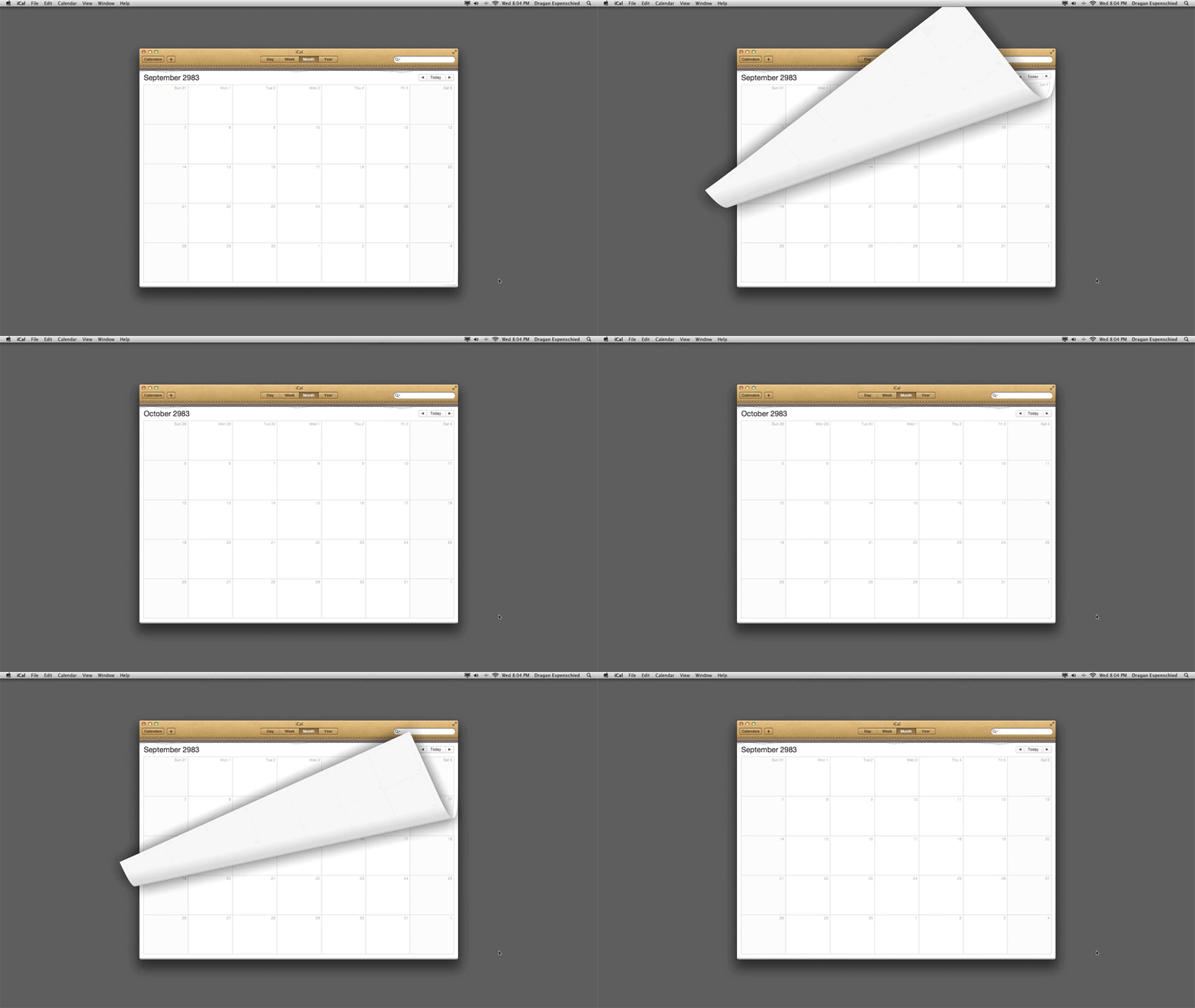
See the future, in your computer.
This AppleScript takes your nice leather iCal one thousand years into the future, and then back to today. Naturally it only works with MacOS 10.7.x Lion. I hope you didn’t “upgrade” to some later version.
Copy and paste the following code into the AppleScript editor and click “run”, or download the AppleScript file 1000years.scpt and double click the file icon.
-- -- -- -- -- 1000 years -- -- -- -- -- --
--
-- See the future, in your computer.
--
-- Only for MacOs 10.7.x
-- with the leather calendar.
--
-- Thanks to Olia for
-- preventing me from
-- making this into a
-- 6h40m video!
--
-- Dragan Espenschied, September 2012
--

tell application "Finder"
	set screenSize to bounds of window of desktop
	set screenWidth to item 3 of screenSize
	set screenHeight to item 4 of screenSize
end tell

set calendarWidth to 1024
set calendarHeight to 768

set x1 to screenWidth / 2 - calendarWidth / 2
set y1 to screenHeight / 2 - calendarHeight / 2
set x2 to x1 + calendarWidth
set y2 to y1 + calendarHeight

set the_date to current date

tell application "System Events"

	tell application "iCal"
		activate
		set bounds of window 1 to {x1, y1, x2, y2}
		view calendar at (the_date)
		switch view to month view
	end tell

	tell application "System Events"
		keystroke "h" using {command down, option down}
	end tell
	delay 3


	repeat 12000 times
		copy the_date to new_date
		tell new_date to set {day, day} to {32, day}
		if new_date's day is not the_date's day then set new_date to new_date - (new_date's day) * days
		set the_date to new_date
		do shell script ("afplay '/System/Library/Components/CoreAudio.component/Contents/SharedSupport/SystemSounds/finder/empty trash.aif' > /dev/null 2>&1 &")

		tell application "iCal"
			view calendar at (the_date)
		end tell
		delay 1
	end repeat

	repeat 12000 times
		copy the_date to new_date
		set new_date's year to ((new_date's year) - 1)
		repeat 11 times
			tell new_date to set {day, day} to {32, day}
			if new_date's day is not the_date's day then set new_date to new_date - (new_date's day) * days
		end repeat
		set the_date to new_date
		do shell script ("afplay '/System/Library/Components/CoreAudio.component/Contents/SharedSupport/SystemSounds/dock/drag to trash.aif' > /dev/null 2>&1 &")

		tell application "iCal"
			view calendar at (the_date)
		end tell
		delay 1
	end repeat

end tell